Here is the driver for the Panasonic CF-51 laptop SD Host Controller. This will allow the built-in SD card reader to work with SDHC flash cards. These are the bare drivers and require you to manually update them from the Device Manager. If you want the full installation file, then you can download it here.
I found this driver when I was working on a similar problem with my Dell Vostro 1000. It appears that both these laptops have the same Ricoh R5C8xx controller.
Use these drivers at your own risk. Here is my original post.
Here is what the device looks like before the updated driver for both my Panasonic and Vosto:
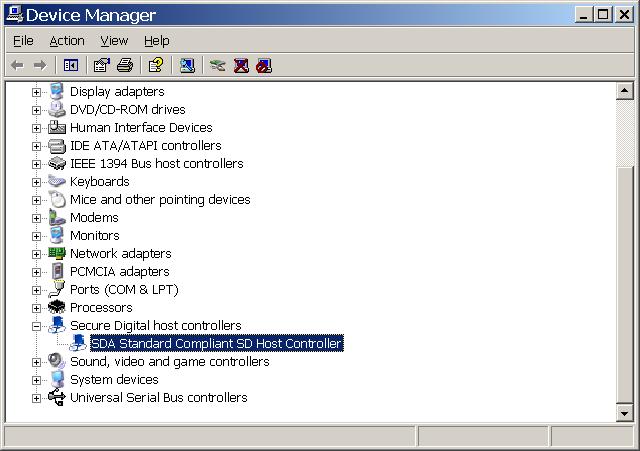
Look how old the driver is:
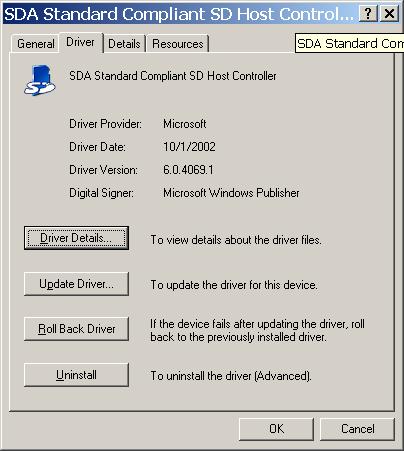
Here is what the device looks like AFTER I manually updated the driver. I did not use the setup program to install my drivers:

Notice that the device moved under IDE devices? Anyhow, it works now. Thanks all.